
Website Design for Electrician Businesses: The Gap Between Looking Good and Getting Calls
Most electrician websites aren’t ugly. They’re just unproductive. Someone spent money on a clean layout, maybe picked a decent electrician website template, uploaded a logo, listed some services, and called it done. The site looks professional enough. But the phone doesn’t ring, and the contact form sits empty. Website design for electrician businesses isn’t really a design problem, it’s a conversion problem. The site needs to move someone from “I found this company” to “I’m calling this company” in under 30 seconds, and most electrician sites fail that test badly.
This applies broadly to trades websites. Plumber sites, HVAC sites, construction company sites all share the same structural issues. But electricians have a few specific dynamics worth understanding. A significant chunk of electrical searches are urgent. Someone’s panel is sparking. Half the house lost power. The outdoor lights stopped working the night before a party. These people aren’t browsing, they’re scanning for the fastest signal that you’re legit and available. Your site either gives them that signal immediately or they bounce to the next result.
What the Best Electrician Websites Get Right
- Phone number visible and clickable on every page. Not buried in the footer. Not hidden behind a “Contact Us” link. In the header, formatted as a tap-to-call link on mobile. If someone has to scroll to find your number, you’ve already lost the urgent callers.
- Service area stated immediately. Visitors need to know within seconds whether you serve their area. A zip code list, a map, or even a simple line like “Serving Durham, Wake, and Orange Counties” in the header removes a major source of uncertainty.
- Trust signals above the fold. License number, years in business, insurance status. Electricians are one of the few trades where licensing genuinely matters to homeowners, they know unlicensed electrical work is dangerous and can void insurance. Displaying your license number prominently isn’t just a nice touch, it’s a competitive advantage over every competitor who buries it on a subpage.
- Fast load times. Someone whose kitchen outlets just stopped working is not going to wait 4 seconds for your hero image to render. They’ll hit back and call the next electrician on the list.
- Real project photos. Stock photos of a smiling electrician holding a voltmeter actively hurt your credibility. Homeowners can tell. Show actual panel upgrades you’ve done, generator installs, EV charger setups, rewiring jobs. Phone photos of clean, completed work are more convincing than polished stock.
Three Layout Patterns That Actually Convert
The emergency-first layout. The hero section leads with a 24/7 emergency badge, a large phone number, and a one-click booking or call option. Service descriptions exist further down the page, but the entire top of the site is designed for the person who needs an electrician right now. If emergency work is a significant part of your revenue, this layout converts better than anything else.
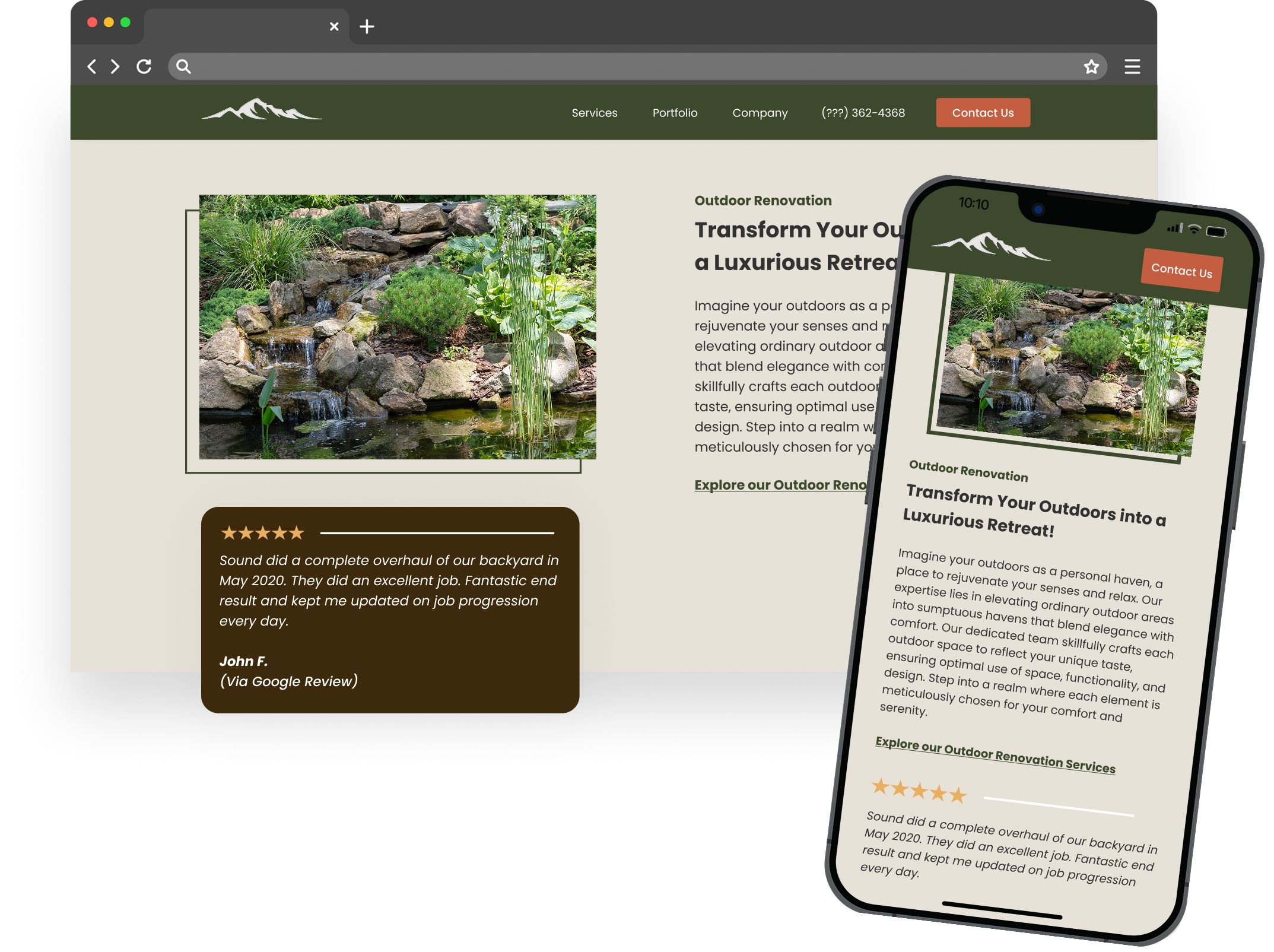
The portfolio-driven layout. Before-and-after galleries organized by service type: residential panel upgrades, commercial buildouts, new construction rough-ins, outdoor lighting. This works well for electricians who do a lot of project-based work, whole-home rewires, new construction, or high-end residential. Homeowners looking at a $15,000 rewiring job want to see evidence that you’ve done it before and done it well.
The review-heavy layout. The homepage is built around Google review snippets, with testimonials that mention specific jobs. “They replaced our Federal Pacific panel in one day” is ten times more persuasive than “Great service, highly recommend.” This layout works especially well in competitive markets where trust is the primary differentiator.
Most effective sites blend elements from all three, but they lead with one. Pick the pattern that matches how most of your customers find you and what they need when they arrive.
Mobile-First Design Is Non-Negotiable
Roughly seven out of ten local service searches happen on phones. For electricians, that number skews even higher because so many searches are urgent. Someone standing in a dark room isn’t walking to their desktop computer.
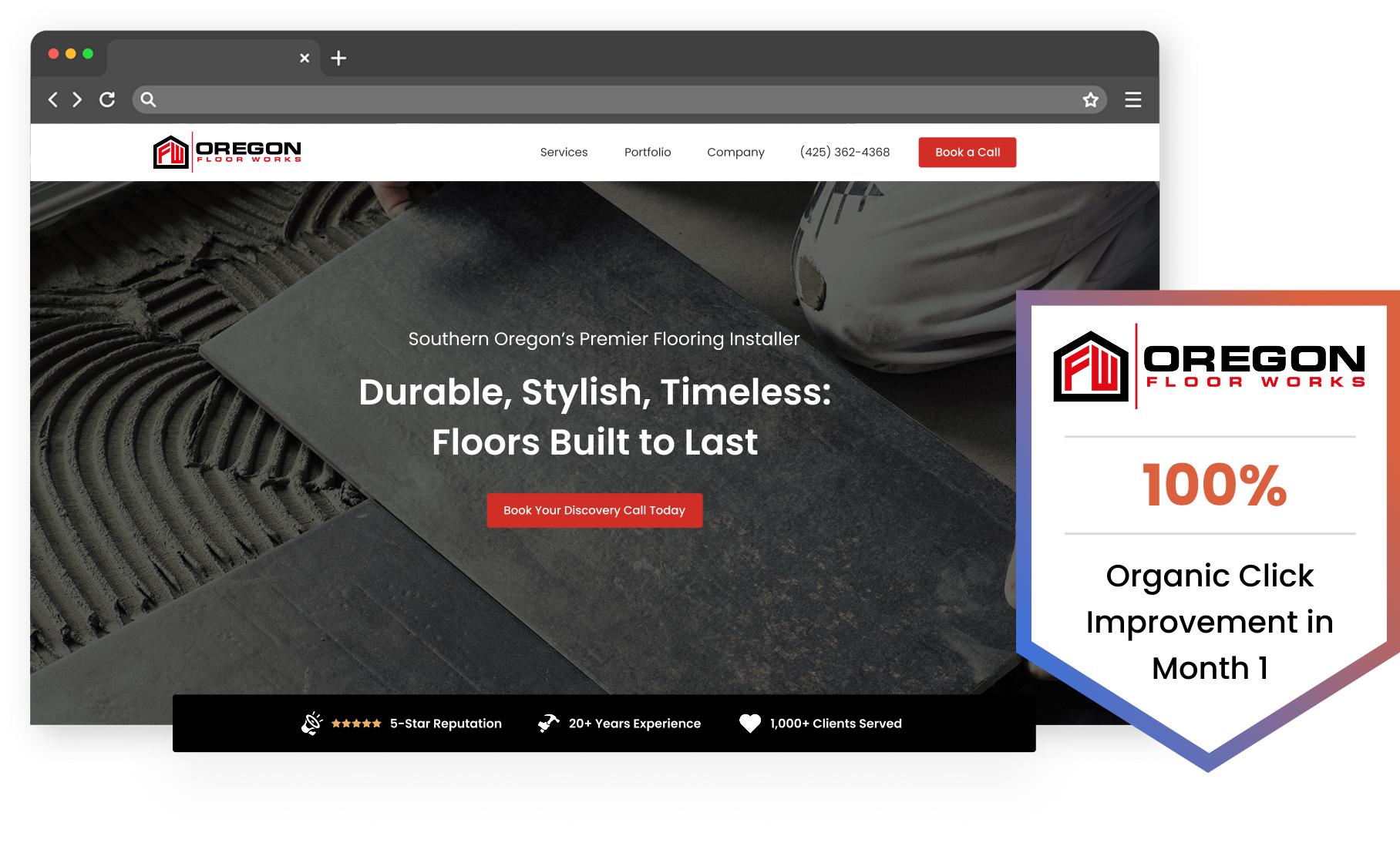
Mobile-friendly electrician sites aren’t just sites that technically render on a phone. They’re designed for the phone first and adapted to desktop second.
Tap targets need to be thumb-sized. A phone number displayed in 12px font that’s technically clickable but practically impossible to hit on a phone screen is worse than useless, it’s frustrating. The call button should be large, obvious, and positioned where thumbs naturally rest.
A sticky mobile header with a call button that follows the user as they scroll is one of the highest-impact changes you can make to an existing electrician site. Most template sites don’t include this by default. Adding it typically requires a small CSS change or a plugin, and it directly increases call volume because the action is always one tap away.
Image compression matters more than people think. Electricians tend to upload full-resolution photos from their phones, 3-5MB images of panel work, trenching, or finished installations. On a fast WiFi connection, the page loads fine. On a cellular connection in someone’s basement where they’re trying to figure out why the breaker keeps tripping, those images turn your site into a wall. Compress aggressively. A 200KB image that loads instantly is worth more than a 4MB image that looks slightly sharper but causes a 3-second delay.
Test your site on actual phones. Chrome’s device simulator is useful for layout checks, but it doesn’t replicate real-world cellular speeds, touch behavior, or the way different phones render fonts and buttons. Pull up your site on a two-year-old Android phone over LTE. If anything feels slow or hard to tap, your visitors are experiencing the same thing.
Online Booking: When It Helps and When It Doesn’t
Someone needs a ceiling fan installed. It’s 10pm. They’re not going to call. They’ll either fill out a form on your site or move on to the electrician whose site lets them do something right now. Online booking for electricians matters most for planned, non-emergency work, inspections, EV charger quotes, panel upgrade consultations.
Full scheduling widgets that let customers pick a date and time sound appealing, but they require you to maintain an accurate, synced calendar. If a customer books a slot that’s already taken, the resulting back-and-forth erodes the trust the booking system was supposed to build. For most electricians, a form with four fields, name, phone number, service needed, and preferred time window, captures the lead without overcomplicating your operations.
Every additional required field reduces completion rates. You don’t need their address at the booking stage. You don’t need a detailed description of the problem. You need enough to call them back and qualify the job.
Automated confirmation texts make a measurable difference. When someone fills out a form and gets nothing back, no email, no text, no confirmation page beyond “Thanks, we’ll be in touch,” they immediately wonder if it went through. A simple automated text saying “Got your request — we’ll call you within 2 hours” reduces the chance they call your competitor while waiting. Position the booking form on individual service pages, not just the contact page.
Local SEO That Puts Your Site in Front of the Right Searches
SEO for electricians is almost entirely a local game. You don’t need to rank nationally. You need to show up when someone in your service area searches “electrician near me” or “panel upgrade [city name].”
- Individual service pages. Don’t list all your services on a single page. Create separate pages for panel upgrades, EV charger installation, knob-and-tube rewiring, whole-home surge protection, generator installation, and every other service you offer. Each page targets different search terms and gives Google something specific to rank.
- Location pages. If you serve multiple cities or counties, create a page for each one. “Electrician in Cary, NC” and “Electrician in Apex, NC” are different searches with different results. A dedicated page for each location, with your service area, relevant services, and ideally some local project photos, gives you a shot at ranking in each area.
- Google Business Profile consistency. Your name, address, and phone number on your website must match your Google Business Profile exactly. Mismatches, even small ones like “Street” vs. “St.,” can hurt your local rankings.
- Schema markup. LocalBusiness schema, service area markup, and review schema help search engines understand what your site is and where you operate. Most electrician website templates don’t include this by default.
- Blog content targeting long-tail queries. Posts like “Signs You Need an Electrical Panel Upgrade” or “How Much Does EV Charger Installation Cost in [City]” pull in organic traffic from people actively researching electrical work. Internal linking between these posts and your relevant service pages strengthens both.
Using Reviews to Sell Without Selling
Embed Google reviews directly on your homepage and service pages, not a link to your Google profile, the actual review text. Customer reviews for electricians carry far more weight when they mention specific services. “They installed a whole-home generator before hurricane season and the crew was professional” tells a prospective customer something useful. “Great work, would recommend” tells them nothing.
Ask for reviews within 24 hours of completing a job. A simple text with a direct link to your Google review page, sent the evening after the work is done, is the most reliable method. Display your review count and average star rating in your site header or hero section.
What to Fix This Week
These five changes take an afternoon and no developer:
- Run your site through Google PageSpeed Insights and address the top three issues it flags. Most of the time, these are image compression, render-blocking scripts, and missing caching.
- Add your license number and service area to your homepage header. If they’re buried on an About page, move them up.
- Make your phone number a clickable tel: link on mobile. Test it on your own phone.
- Add a simple contact form to your three most-visited service pages.
- Text your last five happy customers a direct link to leave a Google review.
Impact Digital builds and optimizes sites for electricians and other trades contractors around exactly these priorities: conversion structure, local SEO, and the design decisions that turn search traffic into booked jobs. If your site looks fine but isn’t producing leads, the fix is usually structural, not cosmetic.